
Maximum Casino Registration Process in United Kingdom
Use the Maximum Casino sign up to create your new account in minutes in the United Kingdom. After registration, you get full access to casino games and the sportsbook, plus deposits and withdrawals. You can register by phone number, email, social media, or one-click. A tiered welcome bonus is available: 200% for a deposit from €20 (x35), 75% from €150 (x35), 100% from €300 (x35), 125% from €500 (x35), 150% from €700 (x35). Amounts convert to GBP at checkout. 18+ only. T&Cs apply.
200% for a deposit from €20
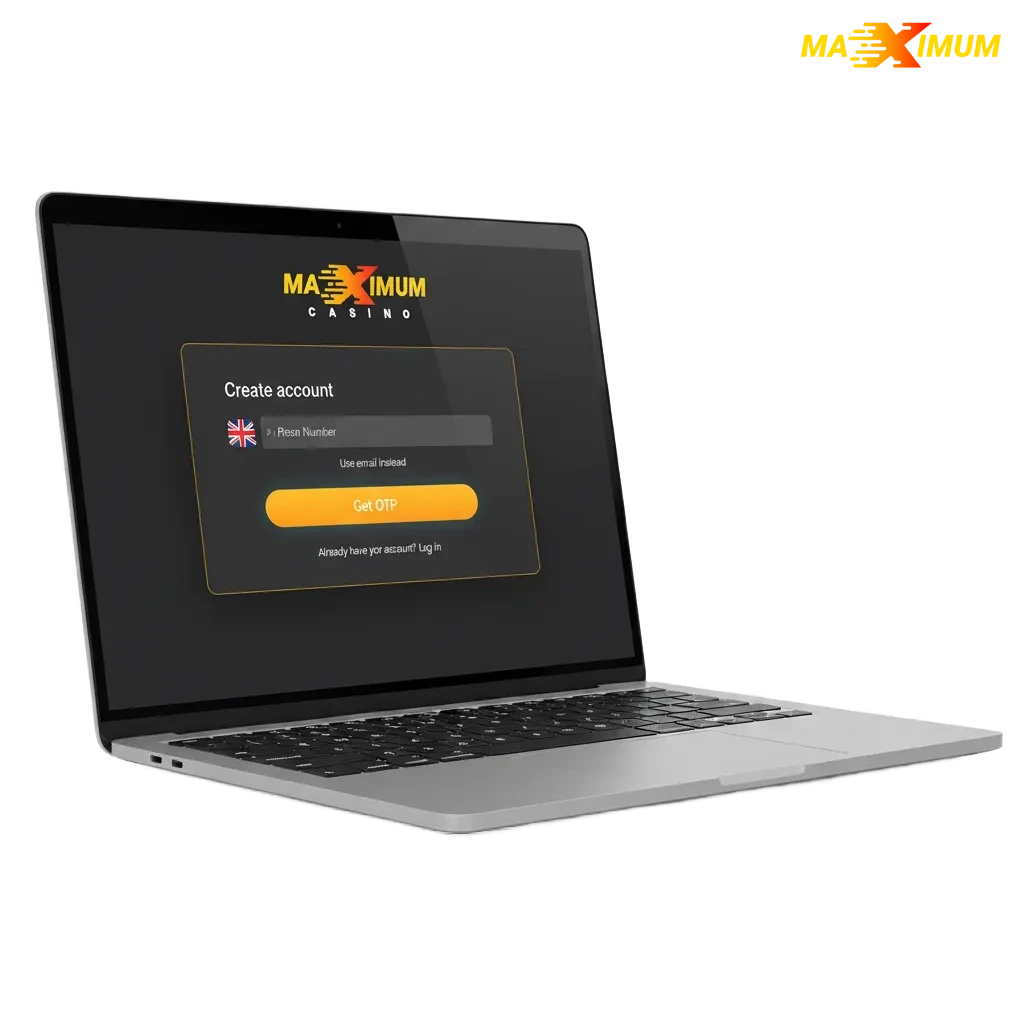
All Available Registration Options on Maximum Casino
You can create an account in the way that suits you. Pick one of the methods below and finish the process fast.
- One-click registration
- By phone number
- By email
- Via social media
One-click registration
This is the fastest way to start. You get instant access and can set full profile details later.
- Open the registration form on the site.
- Select One-click.
- Confirm United Kingdom and GBP if shown.
- Accept the T&Cs and privacy notice.
- Save the auto-generated details and set your password in the account area.
Registration by phone number
Use your UK mobile to sign up and confirm by SMS. It is quick and secure.
- Choose Phone number on the sign up screen.
- Enter your mobile in +44 format.
- Enter the SMS code sent to your phone.
- Set a strong password and agree to the T&Cs.
- Finish and you are ready to deposit.
Registration by email
Use an email address you check often. You will confirm it to access all features.
- Choose Email on the registration page.
- Enter your email and create a password.
- Fill in basic personal details as prompted.
- Confirm the email link sent to your inbox.
- Sign in and complete your profile.
Registration via social media
Link a social account to speed up form filling. You can add an email and phone later.
- Select a provider (for example, Google, Apple, or Facebook).
- Approve the connection and share the required data.
- Set a password or PIN if requested.
- Agree to the T&Cs and create the new account.
- Add missing details in your profile.
Register via the Maximum Casino Mobile App
Use the Maximum Casino mobile app to register on your phone. The flow mirrors the site and keeps everything in one place.
- Download and install: get the app from the official site for iOS or Android. If the app is not available, add the PWA to your home screen.
- Open the app and tap Sign Up: allow notifications if you wish.
- Choose a method: one-click, phone, email, or social.
- Enter your details: country United Kingdom, currency GBP, set a password, and accept the T&Cs.
- Verify: confirm via SMS or email, then complete KYC in the app when prompted.
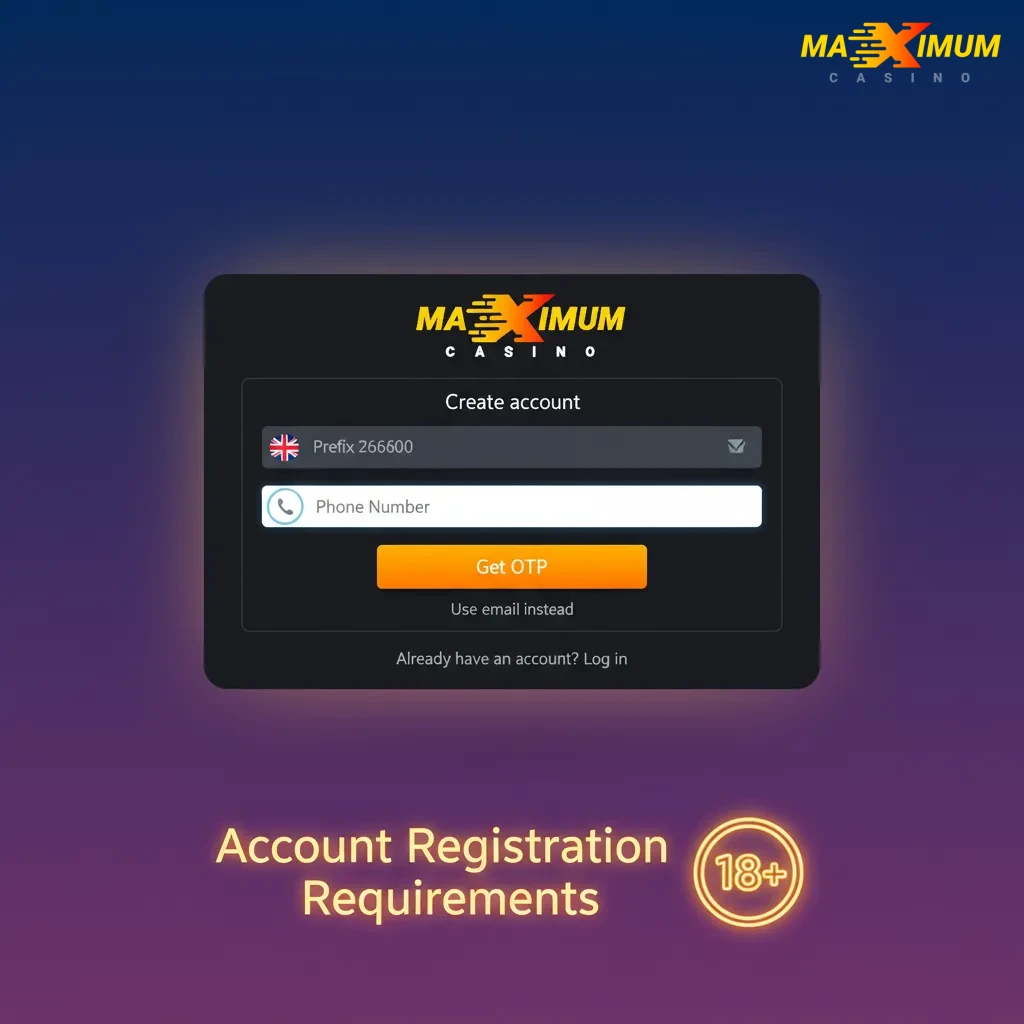
Account Registration Requirements
Registration is available to adults in the United Kingdom who meet local gambling laws. You must provide accurate personal details and pass verification checks. Only one new account is allowed per person. You may be asked for proof of identity, address, and payment method before you can withdraw.
- You must be 18+ and located in the United Kingdom when you gamble.
- Enter true personal information matching your official ID.
- Create only one account per person, household, IP, and device.
- Agree to the Terms & Conditions and Privacy Policy during sign up.
- Complete KYC: submit valid photo ID and recent proof of address (dated within the last 3 months) when requested.
Login to Maximum Casino Account
Sign in securely at any time. Use the same method you chose during registration.
Step 1
Click Log in in the site header or app.
Step 2
Enter your email and password, or continue by phone or social. For one-click, use the credentials you saved and set a new password if prompted.
Step 3
Complete any security step, such as an SMS code or two-factor authentication.
Step 4
Press Log in to access your account.
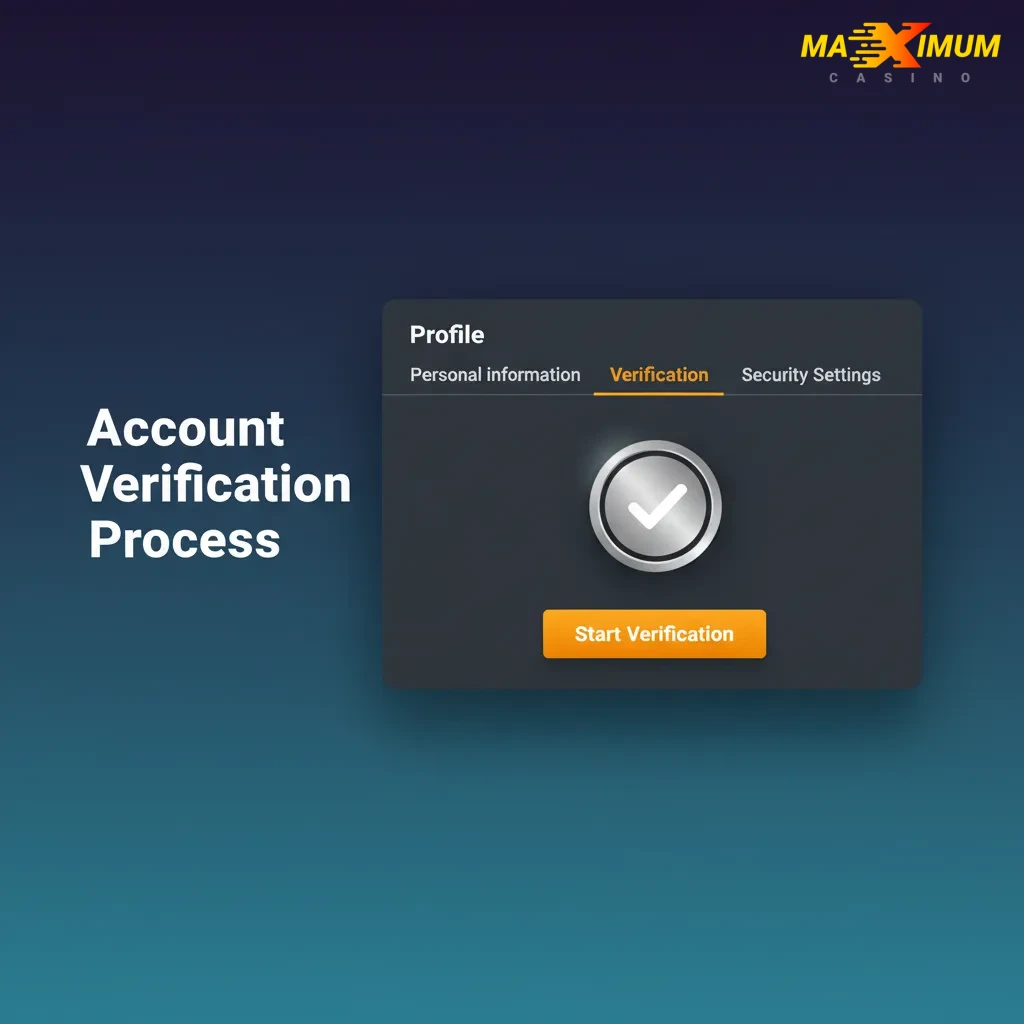
Account Verification Process
Verification protects you and meets United Kingdom requirements. It also enables withdrawals and may lift limits on your account. You will be guided through each step in your profile.
- Contact details: confirm your email and/or phone by code or link.
- Identity check: upload a clear photo of your passport or UK driving licence.
- Address check: provide a recent utility bill, bank statement, or council letter showing your name and address.
- Payment method check: verify your card or bank by a safe image or open banking flow, masking sensitive digits.
- Final review: your documents are reviewed and you receive a status update. You can then request withdrawals.
Welcome Bonuses for New Users from United Kingdom
New users can choose from tiered casino deposit offers. A separate sports betting bonus is not provided for new users in the United Kingdom at this time. All promotions are subject to full T&Cs. 18+ only.
Casino Bonus
You can claim one of the following tiers after you create your new account and make a qualifying deposit. Wagering applies at x35 unless stated otherwise.
- Bonus size:
- 200% for a deposit from €20 (x35)
- 75% for a deposit from €150 (x35)
- 100% for a deposit from €300 (x35)
- 125% for a deposit from €500 (x35)
- 150% for a deposit from €700 (x35)
Amounts convert to GBP at checkout.
- How to claim: sign in, go to Promotions or cashier, choose your tier, opt in, and make the qualifying deposit.
- Wagering requirements: wager the bonus amount x35 on eligible casino games within the stated time. Game weighting applies.
- Minimum deposit: as shown for each tier above; pay in GBP equivalent where applicable.
Sport Betting Bonus
A separate sports welcome offer is not available for new users in the United Kingdom right now. Check the Promotions page later for any new sportsbook deals.
- Bonus size: not available at present.
- How to claim: not available at present.
- Wagering requirements: not available at present.
- Minimum deposit: not available at present.
Account Overview
After you register online, your personal area helps you manage everything in one place. Here is what you can do once you sign in.
- Profile & KYC: view and edit personal details, upload documents, and track verification status.
- Deposits & Withdrawals: add payment methods, set a preferred method, and request payouts.
- Bonuses & Promotions: view active offers, check wagering progress, and opt in to new deals.
- Bets & Game History: review settled bets, open bets, game rounds, and transaction logs.
- Safer Gambling Tools: set deposit limits, time-outs, reality checks, and self-exclusion if needed.
- Notifications & Preferences: choose alerts for wins, bonuses, and account activity.
- Devices & Sessions: see active sessions, log out of other devices, and manage security.
- Support & Help: reach live chat or email support, and browse FAQs.
Possible Problems and Their Solutions When Registering on Maximum Casino
Here are common issues you might face during Maximum Casino registration online and how to fix them. Follow the solution next to each problem.
| Problem | Solution |
|---|---|
| No SMS code arrives | Check signal and number format (+44). Request a new code after 60 seconds, then restart your phone if needed. |
| Did not receive the email link | Check spam and promotions folders, add the sender to contacts, then click Resend from the sign up screen. |
| Phone or email already in use | You may already have an account. Use the password reset option or contact support to recover access. |
| Verification pending | Ensure document images are clear, in colour, and in date. Re-upload if asked, then wait for an email update. |
| Geo or age restriction message | You must be 18+ and in the United Kingdom. Enable location services and try again when you are in a permitted area. |
Steps to Delete a Personal Account
You may choose to close your account for a break, money management, or personal reasons. You can request temporary suspension or permanent closure.
Step 1
Sign in and go to Account > Settings > Close account.
Step 2
Select a reason and choose temporary suspension or permanent closure.
Step 3
Confirm the request and enter your password.
Step 4
If you cannot sign in, contact support via live chat or email from your registered address.
FAQ
Can you register from outside the United Kingdom?
You can create an account, but you must be in a permitted location to bet or play for real money.
Which currency can you use in the UK?
GBP is used in the United Kingdom. Any euro amounts shown in promos convert at checkout.
How long does verification take?
Most checks are completed promptly once clear documents are provided. You get an email update when done.
Can you change your registration method later?
Yes. You can add or update your email, phone, and password, and link or unlink a social account in Settings.
How do you enable two-factor authentication?
Go to Account > Security, choose 2FA by SMS or app, and follow the on-screen steps.