
Maximum Casino Registration Process in United Kingdom
Creating a Maximum Casino account takes minutes and opens access to a full online casino and sportsbook, covering hundreds of slots, live dealer tables, and pre-match and in-play sports markets. You can sign up by phone number, email, or social media, and some registration paths are available in a single click. Once registered, you can deposit funds, place bets, and request withdrawals directly from your account.
New players in the UK are eligible for a tiered welcome bonus on their first deposit: 200% on deposits from EUR 20 (wagering x35), 75% on deposits from EUR 150 (x35), 100% on deposits from EUR 300 (x35), 125% on deposits from EUR 500 (x35), and 150% on deposits from EUR 700 (x35).
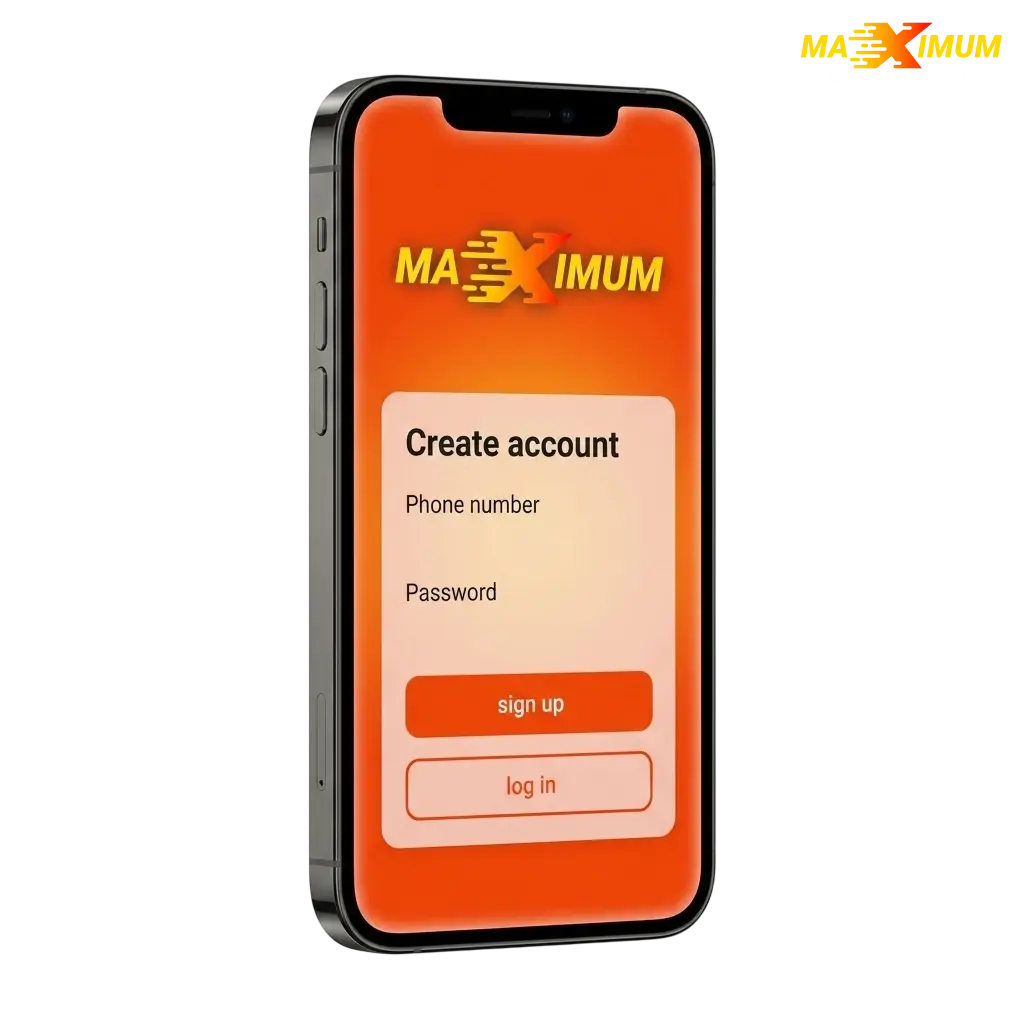
All Available Registration Options on Maximum Casino
Maximum Casino offers several ways to create a new account, so you can choose the method that suits you best. All options are available directly on the registration page.
- By phone number;
- By email address;
- Via social media;
- One-click registration.
Registration by Phone Number
Phone number registration is the most direct route to a verified account. Your mobile number acts as your primary login credential from the outset.
- Click the registration button on the Maximum Casino homepage.
- Select “By Phone Number” from the available options.
- Enter your country code and mobile number.
- Input the one-time SMS code sent to your number.
- Set your password and complete any remaining profile fields, then confirm.
Registration by Email
Email registration gives you full control over your login credentials and is the preferred method for players who want a record of their sign-up confirmation.
- Open the registration form and select “By Email”.
- Enter a valid email address and create a secure password.
- Fill in the required personal details, including your date of birth and currency preference.
- Accept the Terms and Conditions and the Privacy Policy.
- Check your inbox for a confirmation link and click it to activate your account.
Registration via Social Media
Social media registration links your existing account to Maximum Casino, reducing the number of fields you need to fill in manually.
- Click the registration button and select the social media option.
- Choose your preferred social platform from those displayed.
- Authorise Maximum Casino to access your basic profile information.
- Review any pre-filled details, make corrections if needed, and set your account currency.
- Confirm the sign-up to complete your new account.
One-Click Registration
One-click registration is the fastest way to create an account on Maximum Casino. It generates your login credentials automatically, so you can start exploring the platform immediately.
- Click the registration button on the site.
- Select the one-click option.
- Choose your preferred currency.
- Save your auto-generated username and password before proceeding.
- Complete your profile details in the account settings at any time before your first deposit.
Register via the Maximum Casino Mobile App
The Maximum Casino mobile app delivers the full registration process on Android and iOS, with the same account options available on the desktop site. You can complete your sign-up entirely within the app without needing to visit the website.
- Download: Visit the Maximum Casino app page, download the Android APK directly or locate the iOS version via the App Store, then install it on your device.
- Open and navigate: Launch the app and tap the “Register” button on the home screen.
- Choose your method: Select your preferred registration method: phone number, email, social media, or one-click.
- Enter your details: Complete the required fields for your chosen method and accept the Terms and Conditions.
- Confirm: Verify your account via the SMS code or email link and log in to access your new account.
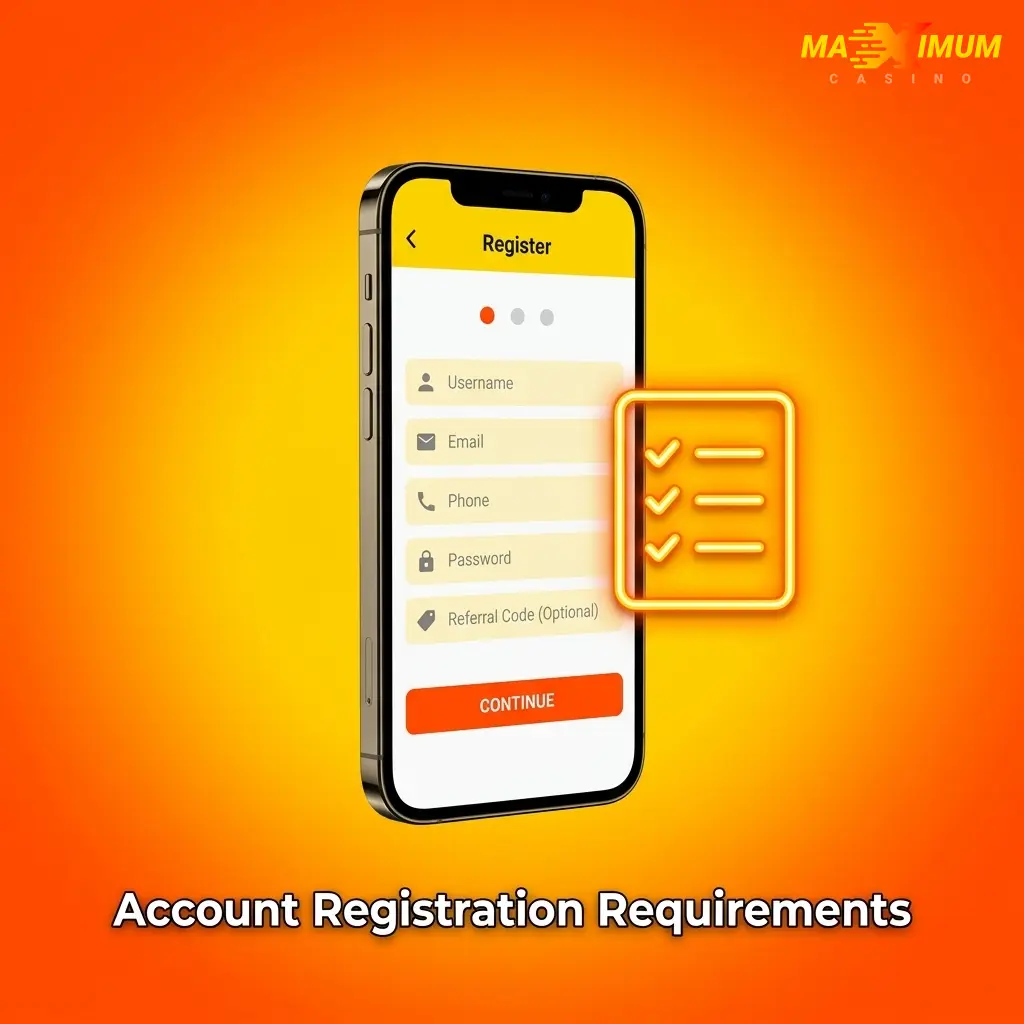
Account Registration Requirements
All players registering on Maximum Casino must meet specific eligibility criteria before an account can be opened. The platform operates under a valid licence and complies with UK regulations, which means age verification and identity checks are mandatory. Players must provide accurate personal information at the point of registration. Providing false details will result in account suspension and forfeiture of any pending withdrawals.
- Age requirement: You must be at least 18 years old to register and play. Age verification is required before any withdrawal is processed.
- Residency: You must be located in a jurisdiction where online gambling is permitted. UK players must comply with Gambling Commission regulations.
- One account per person: Each player is permitted to hold one account only. Duplicate accounts will be closed and balances may be confiscated.
- Accurate personal data: Your full legal name, date of birth, and address must match the documents you later submit for KYC verification.
- Responsible gambling compliance: You must not be self-excluded from gambling platforms or registered on any national self-exclusion scheme such as GamStop.
Login to Maximum Casino Account
Accessing your Maximum Casino account is straightforward once your registration is complete. Follow the steps below to sign in using the credentials linked to your chosen sign-up method.
- Click the “Log in” button below to open the sign-in screen.
- Enter the credentials associated with your registration method: your phone number and password, your email and password, or select the social media option you used to sign up.
- Complete any two-factor authentication step if it is enabled on your account.
- You will be directed to your account dashboard, where your balance, bonuses, and betting history are displayed.
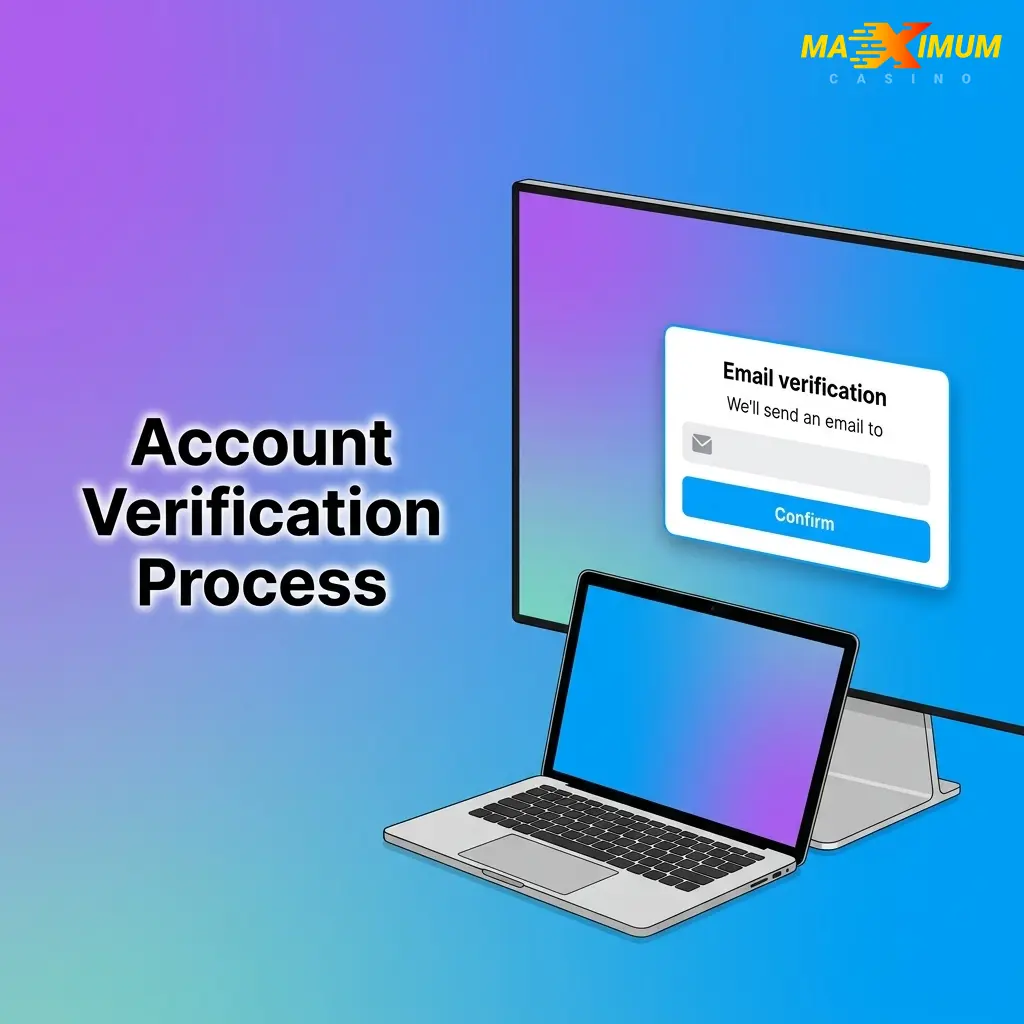
Account Verification Process
KYC verification is a regulatory requirement on Maximum Casino and must be completed before any withdrawal request is approved. The process protects your account against unauthorised access and ensures compliance with UK anti-money laundering rules. Submitting your documents promptly avoids delays when you are ready to cash out.
- Identity verification: Upload a government-issued photo ID, such as a UK passport or driving licence, showing your full name and date of birth.
- Address verification: Provide a recent utility bill or bank statement dated within the last three months, displaying your registered address.
- Payment method verification: Submit confirmation of the payment method used for deposits, such as a bank statement or a screenshot of your e-wallet account.
- Document review: The Maximum Casino compliance team reviews submitted documents. Processing typically takes up to 24 hours.
- Verification confirmed: Once approved, withdrawal limits are lifted and your account is fully active.
Welcome Bonuses for New Users from United Kingdom
Maximum Casino provides a tiered welcome bonus structure for new players in the UK, applied to your first deposit. The bonus percentage scales with the amount you deposit, rewarding larger first deposits with a higher match rate. All welcome bonus tiers carry a x35 wagering requirement.
- 200% bonus on deposits from EUR 20 (wagering x35);
- 75% bonus on deposits from EUR 150 (wagering x35);
- 100% bonus on deposits from EUR 300 (wagering x35);
- 125% bonus on deposits from EUR 500 (wagering x35);
- 150% bonus on deposits from EUR 700 (wagering x35).
Casino Welcome Bonus
The Maximum Casino welcome bonus is credited to your casino balance after your first qualifying deposit. The percentage you receive depends on how much you deposit, with the entry-level tier starting at EUR 20.
| Detail | Tier 1 | Tier 2 | Tier 3 | Tier 4 | Tier 5 |
|---|---|---|---|---|---|
| Bonus Size | 200% | 75% | 100% | 125% | 150% |
| Minimum Deposit | EUR 20 | EUR 150 | EUR 300 | EUR 500 | EUR 700 |
| Wagering Requirement | x35 | x35 | x35 | x35 | x35 |
| How to Claim | Register, deposit, bonus credited automatically | Register, deposit, bonus credited automatically | Register, deposit, bonus credited automatically | Register, deposit, bonus credited automatically | Register, deposit, bonus credited automatically |
Sports Betting Welcome Bonus
Maximum Casino also offers a dedicated sportsbook section where new players can place bets on football, tennis, basketball, horse racing, and other markets popular with UK bettors. Check the promotions page after registration for any current sports-specific offer, as terms and availability are subject to change.
| Detail | Info |
|---|---|
| Applicable Section | Sportsbook |
| How to Claim | Register, navigate to the Sports section, opt in via the Promotions page |
| Minimum Deposit | Refer to current promotion terms |
| Wagering Requirements | Refer to current promotion terms |
Account Overview
Your personal account on Maximum Casino gives you full control over your gaming activity, funds, and settings in one place.
- Balance and transactions: View your current balance and a full history of deposits, withdrawals, and bonus credits;
- Bonus management: Check active bonus status, wagering progress, and available promotional offers;
- Deposit: Add funds using supported payment methods, including bank cards, e-wallets, and cryptocurrencies, with instant crediting on most options;
- Withdrawal: Submit withdrawal requests and track their processing status from the cashier section;
- KYC document upload: Submit identity, address, and payment verification documents directly through your account profile;
- Security settings: Update your password, enable two-factor authentication, and manage linked social accounts;
- Responsible gambling tools: Set deposit limits, session time limits, or request a self-exclusion period through the account settings;
- Betting history: Access a full record of casino sessions and sports wagers, including outcomes and settlement details.
Possible Problems and Their Solutions When Registering on Maximum Casino
A small number of issues can occur during the sign-up process on Maximum Casino. The table below lists the most common problems and the correct steps to resolve each one.
| Problem | Solution |
|---|---|
| SMS verification code not received | Check that the phone number entered is correct and includes the country code. Request a new code after 60 seconds or switch to email registration. |
| Email confirmation link not arriving | Check your spam or junk folder. Add Maximum Casino to your safe senders list, then request a new confirmation email from the registration screen. |
| “Account already exists” error | An account is already registered with that email or phone number. Use the password recovery option to regain access rather than creating a duplicate account. |
| Registration form not submitting | Ensure all mandatory fields are completed and that your date of birth confirms you are 18 or over. Clear your browser cache or try a different browser. |
| Social media login not connecting | Confirm that your social media account is active and that you have granted the necessary permissions. Try disconnecting and reconnecting the authorisation. |
Steps to Delete a Personal Account
You may want to close your Maximum Casino account permanently if you no longer wish to use the platform or as a responsible gambling measure. Before proceeding, ensure any remaining balance has been withdrawn, as account closure cannot be reversed.
- Log in to your account and navigate to the account settings or profile section.
- Locate the “Close Account” or “Self-Exclusion” option within the security or responsible gambling settings.
- Select the reason for closure from the options provided and confirm your decision.
- Contact the support team via live chat or email if the self-service option is not available, request permanent account closure in writing, and allow up to 48 hours for the request to be processed.

FAQ
Can I register on Maximum Casino from the United Kingdom?
Yes. Maximum Casino accepts players from the UK. You must be at least 18 years old and not registered on a national self-exclusion scheme such as GamStop.
How long does the registration process take?
Completing the sign-up form takes under five minutes. One-click registration is the fastest option and requires only a currency selection before your account is created.
Are there any fees for creating an account?
No. Creating an account on Maximum Casino is free of charge. There are no sign-up or registration fees.
What currency can I use as a UK player?
UK players can select GBP as their account currency during registration. This avoids conversion fees when depositing via UK bank cards or e-wallets.
How do I recover access to my account if I forget my password?
Click the “Forgot Password” link on the sign-in screen and enter your registered email address or phone number. A reset link or SMS code will be sent to you within a few minutes.